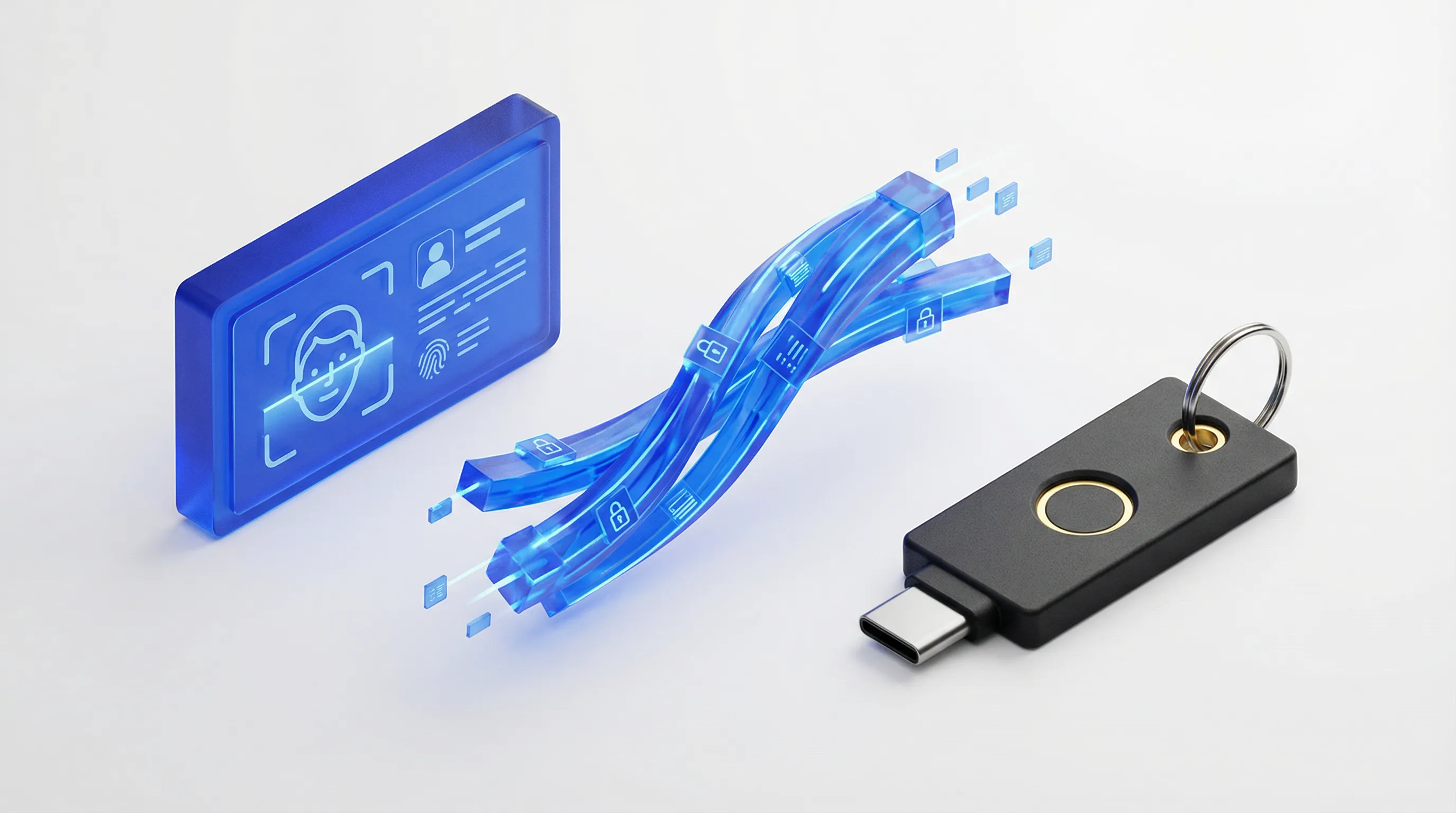
For security teams targeting FedRAMP High authorization, the focus often lands heavily on Identity Assurance Level 3 (IAL3). While strictly verifying a user's identity is the foundational requirement, it is only half the battle. The second half—Authenticator Assurance Level 3 (AAL3)—is where the operational reality often breaks down.
The NIST SP 800-63-4 guidelines are now published and explicit: AAL3 requires a hardware-based, verifier-impersonation-resistant token. For most federal and enterprise agencies, this mandates the deployment of FIPS 140-validated hardware security keys, such as the YubiKey 5 FIPS Series, via FIDO2/WebAuthn protocols.
Procuring thousands of keys is a procurement task. Securing the "Chain of Custody" is a security task. If you verify a user’s identity on Monday and drop-ship a key to their home on Wednesday, you have created a Supply Chain Risk Management (SCRM) blind spot. How do you prove to an auditor that the verified human is the specific individual holding that specific token on Friday?
This "air gap" between the verified identity and the physical authenticator is the single greatest vulnerability in remote onboarding. In 2025, this risk has evolved beyond simple loss—we are now combating complicit insiders and "laptop farms," where remote workers silently farm out their hardware to unauthorized third parties.
The Hardware Reality: FIPS 140-2 vs. 140-3 Transition
To satisfy AAL3, "soft tokens" (push notifications, SMS, or non-FIPS OTP apps) are insufficient. The cryptographic boundary must be hardware-backed.
Currently, the industry standard is the YubiKey 5 FIPS Series, which carries FIPS 140-2 validation. However, security architects must now account for the transition to FIPS 140-3. With Yubico and other manufacturers currently submitting newer firmware (such as the 5.7.x series) for validation, procurement teams should not overstock legacy keys that may have shorter certification lifecycles.
Recommendation: Adopt a hybrid inventory strategy. Deploy current FIPS 140-2 keys to meet immediate audit requirements, but establish a procurement channel for 140-3 validated keys as they become available to future-proof your compliance posture.
4 Workflows for Secure Binding
The core of the Trust Swiftly solution is the "Binding Event"—the moment we cryptographically or visually link the verified human (IAL3) to the specific piece of hardware (AAL3). Depending on your organization's risk tolerance, IT resources, and interpretation of "Segregation of Duties" (NIST Control AC-5), there are four distinct paths to bridge this gap:
1. The Visual Serial Match (Best for Drop-Shipping)
For organizations utilizing direct-to-employee shipping (drop-shipping), IT often lacks the serial number of the device before it reaches the end-user. If you procure through Yubico's enterprise solution however, you have additional insight and control over the procurement process.
- The Workflow: During the supervised IAL3 video session, our agent instructs the user to present the back of their YubiKey to the camera.
- The Verification: We capture and log the device’s Serial Number and visually confirm the "FIPS" marking on the chassis.
- The Handoff: Your IT team receives a "Golden Record" linking the verified identity to that specific serial number. You can then configure your Identity Provider (IdP) to restrict enrollment to that specific device ID, blocking personal or unverified keys. Using the AAGUID restricted list is critical as visually confirming a FIPS key via physical attributes is just one step while the digital checks validate it. The AAL3 binding session event should coincide with the IAL3 with a strict timeout and tracking policy to prevent fraud.
2. The Cryptographic Bridge (Best for Automated Assurance)
For environments requiring absolute certainty that a device is genuine and not a cloned artifact, visual inspection is insufficient. This workflow uses FIDO2 attestation to prove origin.
- The Workflow: The user connects their YubiKey to the secure device (via NFC or USB) during the Trust Swiftly session.
- The Verification: We perform a live cryptographic attestation check, validating the certificate chain to ensure the key was issued by Yubico and has not been tampered with.
- The Handoff: The device metadata is passed directly to your team via API or secure export, confirming the key is authentic before it is ever registered.
3. The "Binding Token" Handoff (The Logic Gap Fix)
This is the preferred method for organizations using Okta, Entra ID, or Ping Identity who wish to allow self-service enrollment without the complexity of integrating with the perimeter.
- The Workflow: Immediately upon passing the IAL3 check, Trust Swiftly issues a one-time, time-bound AAL3 Binding Token (typically a secure TOTP or event token).
- The Verification: The user logs into your restricted Enrollment Portal using this token.
- The Handoff: Because the token was issued seconds after biometric verification, it serves as a temporal proxy for the IAL3 proofing. This opens a short (e.g., 5-minute) window for the user to register their FIPS YubiKey before the account locks again.

4. The Internal IT Handshake (Best for Segregation of Duties)
For high-risk environments or organizations with strict "Segregation of Duties" policies, the Identity Verifier (Trust Swiftly) and the Access Granter (Internal IT) must remain completely separate.
- The Workflow:
- Trust Swiftly (IAL3): We perform the rigorous document inspection, liveness checks, and fraud detection. We generate the "Golden Record"—a secure report containing the user's high-resolution reference photo and verified PII.
- Internal IT (AAL3): Your internal IT Admin schedules a Zoom or Teams call with the new hire.
- The "Three-Way" Match: The IT Admin opens the Trust Swiftly Golden Record and compares the Reference Photo against the Live Video of the employee on the call.
- The Binding: Once the IT Admin visually confirms the match, they instruct the user to plug in their YubiKey and guide them through the registration process live on the call.
- Why choose this? This creates a pristine audit trail where an external party attests to the identity, but an internal trusted agent retains final authority over the hardware key activation.
The Trust Swiftly Advantage: Geographic & Possession Attestation
A major vulnerability in current remote work setups is the "siloed" user. A user may verify their identity on a mobile device, but plug the key into a laptop in a different location—classic indicators of a "laptop farm" scheme.
Trust Swiftly excels over other solutions by attesting to the geographic location of both the authenticator and the identity simultaneously. We can validate via GPS exactly where a YubiKey is being used while validating the identity, ensuring the human and the hardware are in the same physical space. This continuous security check prevents remote IT worker fraud where keys are shipped off-site to unauthorized actors.
Account Recovery: Defeating the AI Helpdesk Threat
The "Lost Key" scenario is critical. In 2025, helpdesks are being targeted by sophisticated AI voice cloners and deepfakes that have compromised other PII details of the user. You cannot issue a replacement AAL3 token based on a phone call.
Trust Swiftly enables Adaptive Authentication for recovery:
- Low Risk/Same Device: For simple re-issues, we can perform a biometric comparison against the user's previously saved evidence. This 1:1 match provides high assurance with lower friction.
- High Risk/New Location: If fraud signals are detected, we require a full IAL3 re-proofing event.
These scenarios are case-by-case and require careful management, but they ensure you never issue a key to a fraudulent voice clone.
Chain of Custody Documentation
You highlight the “air gap” risk, but for FedRAMP audits, you must document the custody from procurement → shipping → binding.
To pass an audit, your logs must demonstrate continuity:
- Procurement: Log the purchase order and origin (authorized reseller).
- Shipping: Log the carrier tracking numbers and delivery confirmation timestamps.
- Transfer Event: Log the time gap between delivery and the Trust Swiftly binding session.
- Binding Log: Maintain the Trust Swiftly "Golden Record" that links the verified PII directly to the hardware Serial/AAGUID.
Technical Enforcement: AAGUID and Enterprise Attestation
Process is critical, but policy is enforceable. Regardless of which binding path you choose, your IdP policy should be configured to check the AAGUID (Authenticator Attestation GUID).
Each model of YubiKey broadcasts a specific AAGUID. By allow-listing only the GUIDs associated with FIPS-validated models, you technically enforce compliance before the user even finishes setup. You can view the current list of FIPS AAGUIDs here.
For enterprise-tier Yubico customers, enabling Enterprise Attestation allows for even granular control, ensuring only keys purchased by your specific organization can be registered. Having adaptive authentication also improves security around usage of the authenticator, ensuring that high-value access requests are met with high-assurance checks.
Conclusion
In a FedRAMP High environment, your security is only as strong as the link between your user and their token. Whether you choose to automate the handoff via Trust Swiftly or enforce a manual "Three-Way Match" with your internal IT team, the goal remains the same: ensuring the person holding the key is the person you verified.
Ready to design your IAL3/AAL3 playbook? Contact Trust Swiftly today to discuss which binding strategy fits your compliance architecture.